
How to Make an AI Zombie Video: A Real Photo-to-Video Test
Follow one verified ZombieCouple run from a reference photo through settings, generation, playback, and the finished zombie love story video.
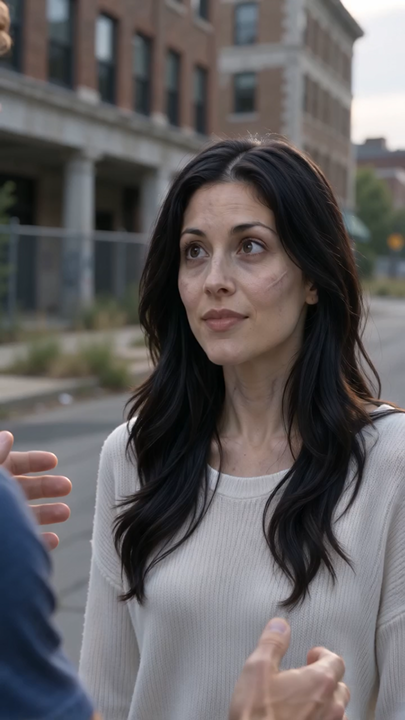
We made the video described here on October 15, 2026. This is a record of an actual generation, with a fictional adult couple created for testing. It is not a promise that every photo will produce the same scene.
Version note: This walkthrough shows the earlier, gentler Story preset. The current adult Story prompt includes a gun confrontation and a hard cut to the memory. The video below remains the real result of the earlier test.
The input: one photo of two people
Our test started with one clear, front-facing image of two fictional adults together. We selected One photo of both. In this mode, the person on the left is the survivor; the person on the right becomes the zombie. That role assignment matters because it is included in the prompt sent to the video model.
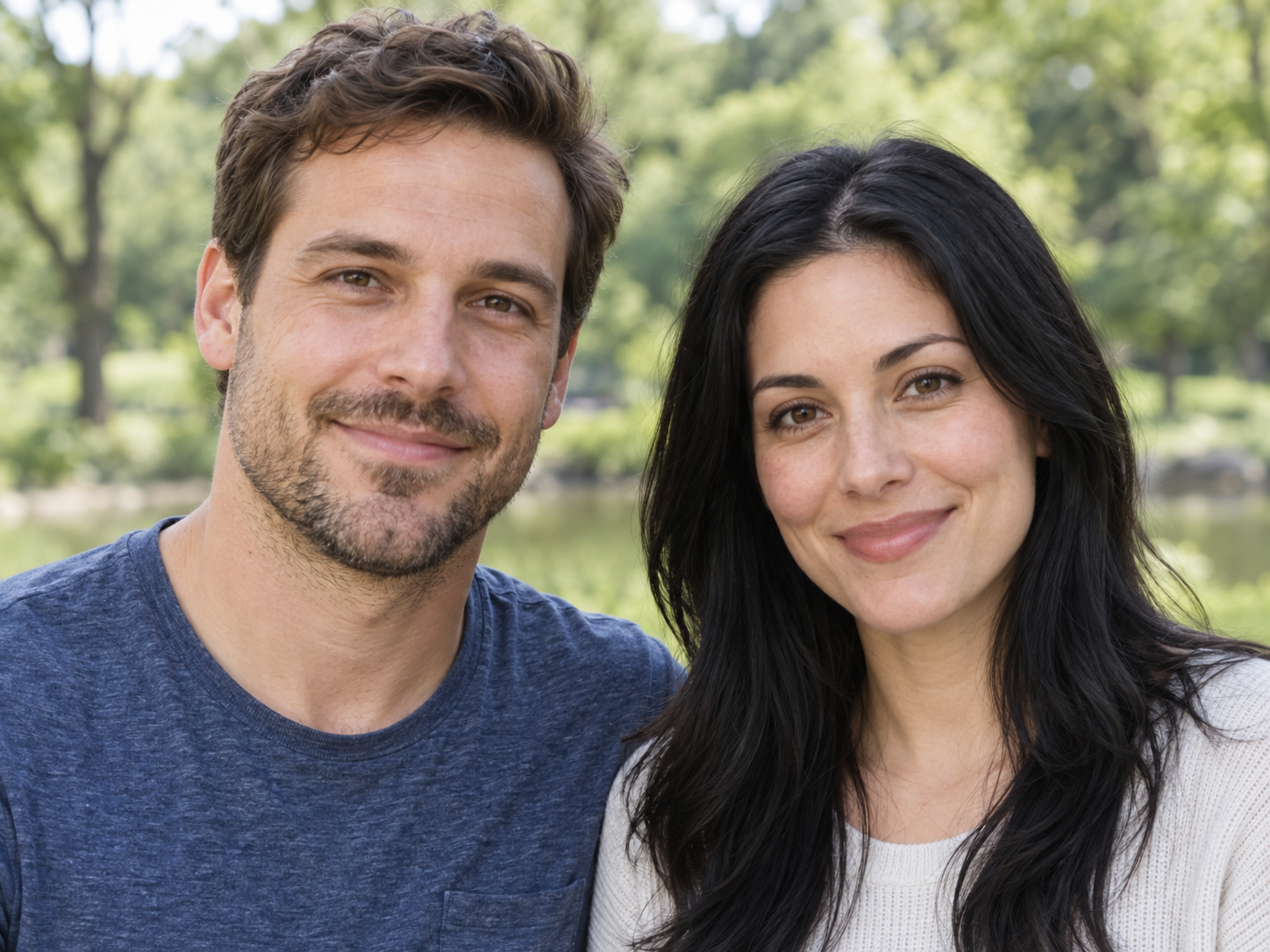
Actual test input · one photo, two fictional adults · left: survivor · right: changed partner
For your own photo, make sure both faces are visible and separated, avoid heavy filters or cropped heads, and only upload photos you have permission to use. The studio also accepts two separate portraits if you want to choose each person independently. The verified run below used a single shared photo.
The settings we actually used
- Open the ZombieCouple studio and add the photo.
- Keep People selected and choose Zombie Story for the encounter, recognition, embrace, and warm memory.
- Select Standard / Seedance 2.0 Mini, 720p, 12 seconds, and 9:16 portrait. That combination cost 10 credits in this run.
- Review the assigned roles and the visible credit cost, then select Make the effect.
The site builds the prompt for this preset. There is no free-form prompt box in the studio. Content checking was enabled during the verified run.
From submission to the finished video
After submission, the studio reserved the credits and displayed a generating task. The result appeared as Ready in My videos. We played the finished MP4 in the browser: it measured 720 × 1280 pixels and 12.096 seconds.
The Story result showed the survivor recognizing the changed partner in an abandoned city, a gentle reunion, and a transition to a warm golden-field memory. The scene contained no gun confrontation. The exact camera timing and facial details can vary on another render.
Actual Zombie Story output · Seedance 2.0 Mini · 720 × 1280 · 12.096 seconds
We also ran the Zombie effect with the same photo and the same model, size, length, and portrait format. It completed as a separate 12.096-second MP4, with the transformation and embrace as the simpler story. Both outputs were played in the browser rather than judged only from a provider status.
Actual Zombie output · same photo and settings · separate successful task
A failure we hit before the successful run
The earlier Story wording included a brief gun confrontation. The video provider rejected that version during its content check with HTTP 400 and the code nsfw_content_detected, before it created a video task. The same clean reference photo later worked with the gentler Zombie effect and the revised nonviolent Story. That makes the weapon wording the strongest identified cause, although the provider did not disclose which exact phrase or frame triggered its rule.
The rejected attempts had their credits returned. If a request is rejected, use photos without visible injuries or weapons and try the gentler effect. Do not repeatedly submit an ambiguous request that still says it needs verification; contact support with its task ID.
What to expect from your own run
Use the example as a workflow, not a fixed visual template. A different photo, effect, model, or duration can change identity consistency and how much of the story fits. Download a result you want to keep: provider-hosted video links may expire. For the exact tested prompt, conditions, and rejected version, see our zombie love story prompt test.